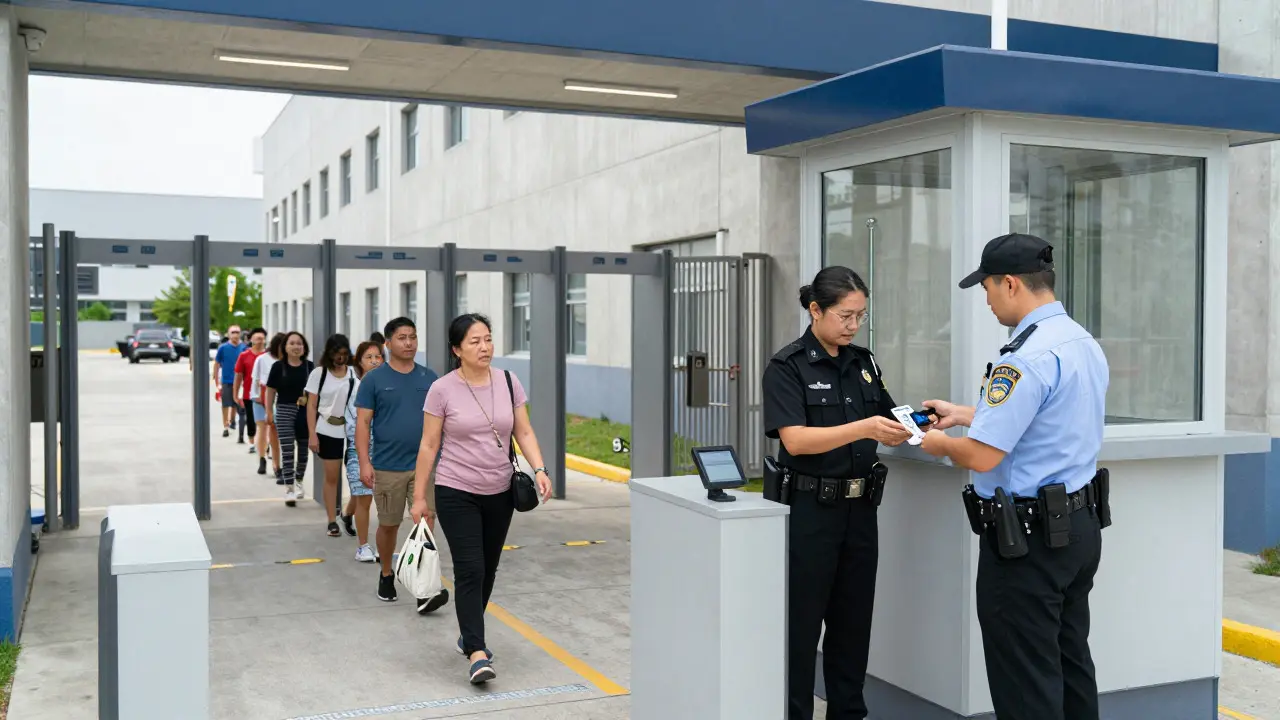
Walk into any modern state prison and you won't see a stack of paper ledgers by the front desk. Instead, a guard scans your ID against a database that knows exactly who is allowed inside, how long they can stay, and if their privileges are currently suspended. This shift from manual logs to computerized visitor records has fundamentally changed how state correctional systems manage family time for inmates.
For families navigating the complex web of visitation rules, understanding this digital backbone is crucial. It explains why your appointment might be rejected at the gate despite having a printed confirmation, or why a sudden change in an inmate's housing unit affects your access. The system isn't just a log; it's a real-time control center that balances security, staff workload, and inmate rights.
The Core Infrastructure: What Data Actually Gets Tracked
At its heart, a computerized visitor record is a digital profile linked to both the inmate and the approved visitor. When a family member applies for visitation, usually through an online portal or mail-in form, their data enters the system. This includes full legal name, date of birth, government-issued ID number, and relationship to the inmate. But the system tracks more than just identity.
Each record holds specific attributes that determine eligibility. For instance, the system flags whether a visitor is on a "no-contact" list due to prior misconduct during visits. It also tracks the type of visit authorized-whether it's a standard social visit, a special extended visit for holidays, or a legal visit with an attorney. These distinctions matter because each type triggers different screening protocols and duration limits within the software.
Furthermore, the record is dynamic. If an inmate earns good behavior points, their visitation tier might upgrade automatically, allowing more guests per session. Conversely, a disciplinary infraction can instantly freeze all pending visit requests until a review board clears them. This real-time updating means the status of a visit can change hours before the scheduled appointment, which is often a source of confusion for families relying on older information.
The Step-by-Step Process: From Application to Entry
Understanding the workflow helps demystify the process. Here is how the digital chain typically unfolds in most state systems:
- Application Submission: A prospective visitor submits their details via the department of corrections website. The system runs an initial background check against state and federal databases to screen for disqualifying factors like active warrants.
- Approval & Scheduling: Once cleared, the system generates a unique visitor ID. The inmate then selects a time slot from available options. The calendar is managed by the software to prevent double-booking and ensure staff-to-visitor ratios remain within safety guidelines.
- Pre-Visit Verification: On the day of the visit, the visitor arrives at the facility. Their ID is scanned. The terminal pulls up the live record. If the record shows "Active," the system prints a wristband or badge. If it shows "Suspended" or "Pending Review," the guard denies entry until resolved.
- In-Visit Monitoring: While inside, the system may track check-in and check-out times. Some facilities use biometric scanners or RFID tags to ensure visitors don't linger beyond their allotted time, automatically alerting staff if a limit is exceeded.
- Post-Visit Logging: After the visit ends, the system logs the outcome. Did the visit proceed normally? Were there any incidents? This data feeds back into the visitor's profile, influencing future approvals.
This automated sequence reduces human error but introduces new rigidities. Unlike a paper log where a supervisor might make an exception, the computer enforces rules strictly. If the data doesn't match, the door stays closed.
Why Digital Records Changed Visitation Rules
Before computerization, managing visitation was a logistical nightmare. Guards spent hours cross-referencing paper lists, leading to delays and inconsistent enforcement. The transition to digital systems brought several key changes that directly impact how families experience prison life.
First, consistency improved. In the past, one guard might allow a late arrival while another turned them away. Now, the system dictates the cutoff time uniformly across all shifts. Second, transparency increased. Families can now log into portals to see the status of their applications in real-time, rather than waiting weeks for a letter. Third, security tightened. The ability to instantly flag a problematic visitor across multiple facilities in a state network means bad actors have fewer chances to slip through.
However, this efficiency comes with trade-offs. Technical glitches can freeze entire visitation schedules. A server outage on a Saturday morning can leave hundreds of families stranded outside with no recourse. Additionally, the rigidity of the system can feel impersonal. If a grandparent misses their window by five minutes due to traffic, the computer doesn't care about the reason-it simply marks the visit as a no-show, which can count against the inmate's privilege record.
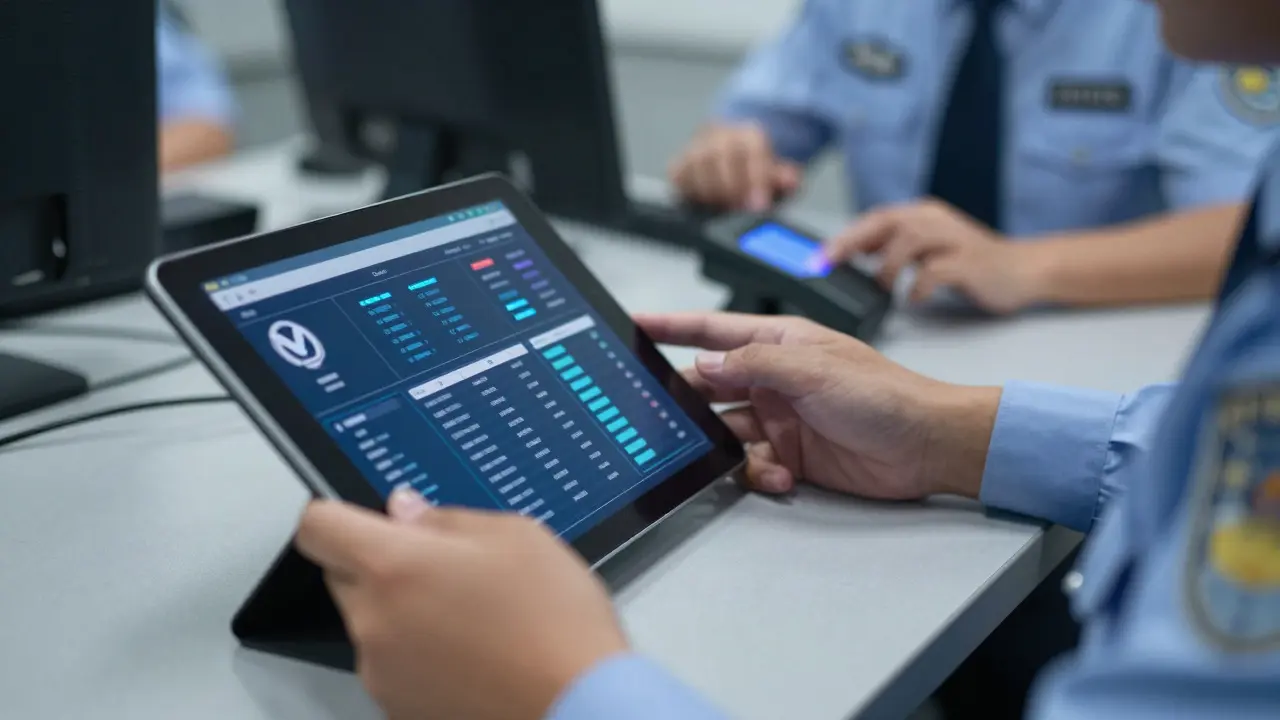
Common Pain Points and How to Navigate Them
Families often struggle with specific aspects of the computerized system. Knowing these pain points can save time and frustration.
- ID Mismatches: The most common issue. If a visitor's ID name differs slightly from the application (e.g., using a middle name vs. initials), the system may reject the scan. Always ensure the ID matches the application exactly. Carry a secondary document if possible.
- Status Delays: There is often a lag between an inmate's disciplinary hearing and the system update. If a visit is denied unexpectedly, ask the guard for the specific code or reason. It is often easier to resolve on-site than to wait for administrative mail.
- Portal Access Issues: Many states require visitors to create accounts on third-party platforms. Losing password access or having email bounces can delay approval. Keep your contact info updated in the portal regularly.
- Housing Unit Changes: If an inmate moves wings or buildings, their visitation location may change. The system updates this, but notifications aren't always immediate. Check the facility's bulletin board or call the main line before driving out.
Pro tip: Take a screenshot of your approved visit confirmation and your ID on your phone. If the kiosk scanner fails, showing the digital proof to a guard can sometimes speed up manual verification.
Comparison: Manual vs. Computerized Systems
To understand the current landscape, it helps to compare the old ways with the new. The table below highlights the key differences in operation and user experience.
| Feature | Manual/Paper Logs | Computerized Records |
|---|---|---|
| Speed of Check-In | 10-20 minutes per visitor | 1-3 minutes per visitor |
| Error Rate | High (handwriting, lost pages) | Low (automated validation) |
| Real-Time Status Updates | No (requires phone/mail) | Yes (portal/dashboard) |
| Flexibility for Exceptions | High (supervisor discretion) | Low (strict rule enforcement) |
| Data Security | Physical theft/loss risk | Cybersecurity/breach risk |
While the computerized system wins on speed and accuracy, the loss of human discretion is a significant downside. Families need to adapt to a more mechanical process where precision matters more than personal appeals.
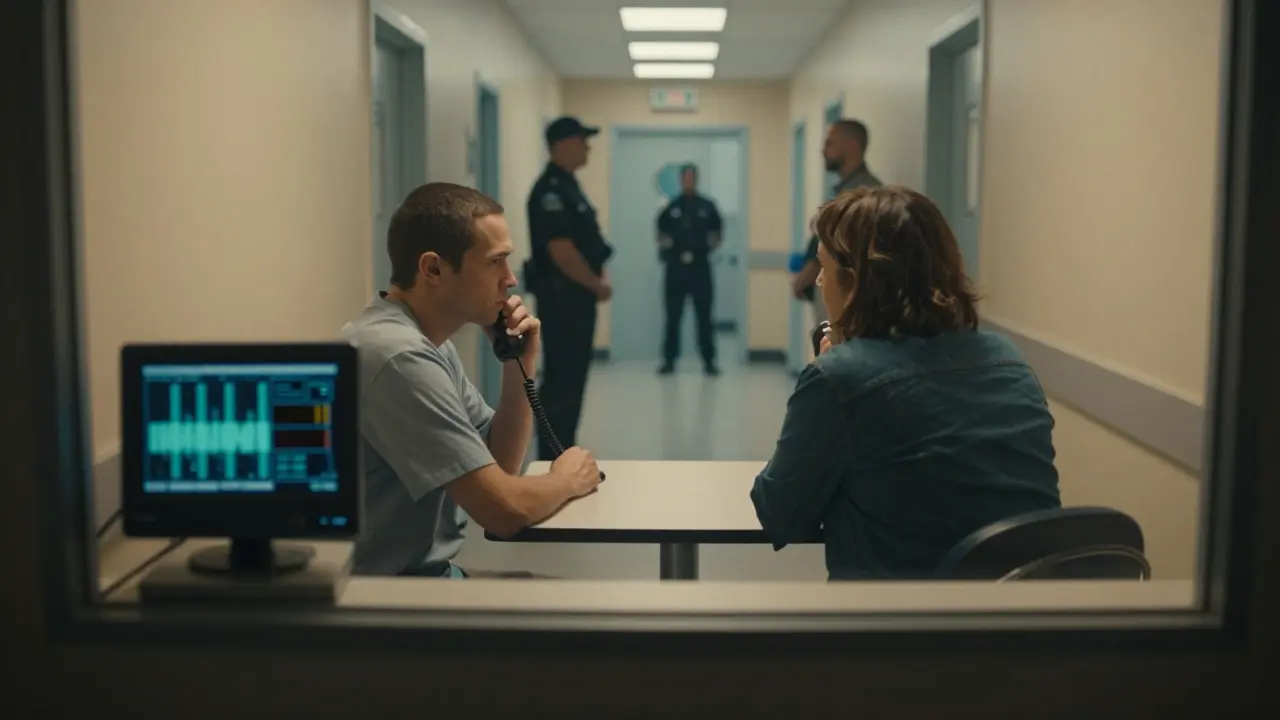
Future Trends in Digital Visitation Management
The technology behind visitor records is still evolving. Several trends are emerging that will further shape how state correctional systems operate in the coming years.
Biometric integration is expanding. Beyond simple photo IDs, some pilot programs are testing fingerprint or facial recognition for repeat visitors. This could eliminate the need for physical badges entirely, streamlining entry even further. However, this raises privacy questions about how long biometric data is stored and who has access to it.
Integration with court systems is another major development. Currently, many states have separate databases for courts and corrections. As these systems link up, a judge's order restricting contact could automatically block visitation without requiring a manual entry by a clerk. This ensures legal compliance is instantaneous but removes another layer of human oversight.
Finally, mobile app enhancements are making scheduling more intuitive. Apps that send push notifications for schedule changes, offer virtual waiting room lines, and provide digital receipts for visit fees are becoming standard. For families, this means less paperwork and more control over the visitation planning process.
Practical Tips for Families Using Digital Systems
Navigating these systems requires a proactive approach. Here are actionable steps to ensure smooth visits:
- Verify Your Info Monthly: Log into the visitation portal once a month to ensure your address, phone number, and ID details are current. Outdated info is the #1 cause of rejection.
- Arrive Early: Even with fast scanning, security lines can be long. Arriving 45 minutes before your slot gives buffer time for technical hiccups.
- Keep Contact Info Updated: If you change your phone number, update it in the portal immediately. System alerts often go to text messages.
- Understand the Cancellation Policy: Most systems charge a fee for last-minute cancellations. Know the cutoff time (usually 24 hours) to avoid unnecessary costs.
- Document Everything: If a visit is denied, get the guard's name and badge number. Write down the exact reason given. This documentation is vital if you need to file a grievance later.
By treating the computerized system as a partner rather than an obstacle, families can reduce stress and maximize quality time with loved ones. The technology is cold, but the connection it facilitates remains deeply personal.
What happens if my ID doesn't match my visitor record?
The system will likely flag a mismatch, preventing automatic entry. You must speak to a supervisor who can manually verify your identity using secondary documents. To avoid this, ensure your government-issued ID matches the name on your application exactly, including middle names or suffixes.
Can I cancel a visit online after it is scheduled?
Yes, most state systems allow online cancellation up to 24 hours before the scheduled time. Cancellations made within 24 hours may incur a fee depending on the facility's policy. Check the specific terms on your confirmation page.
How long does it take for a new visitor to be approved?
Standard processing takes 3 to 7 business days. During peak times or if a background check reveals complexities, it can take up to two weeks. The system sends an email notification once approval is complete.
Does the computer track how long we stay inside?
In many facilities, yes. The system logs your check-in time and expects a check-out within the allotted duration (typically 60-90 minutes). If you exceed this time, an alarm may trigger, prompting guards to end the visit early.
What should I do if the portal says 'Pending' for more than a week?
If your status remains 'Pending' beyond the standard 7-day window, contact the facility's visitation office directly. It may indicate a data error or a missing document. Have your application reference number ready when you call.